
You’ve bought a new device. As standard, we deliver all our laptops with a clean Windows 11 installation. This means you complete the final setup steps yourself — such as setting the language and creating your user account and password. This is also called the Out of Box Experience (OOBE). That’s the term to remember and Google if you get stuck. In this blog we walk you through how to set up your TopLaptop (or any Windows 11 device) for the first time and make it completely your own. We do this with as many screenshots as possible, rather than a video you keep having to pause. Some screenshots are in English, but otherwise your screen won’t look much different.
Choose your country or region
Choose the place where you’ll be using the device. If you’re in the Netherlands, choose the Netherlands. That way you get the right language and the correct settings for date, time and currency display.
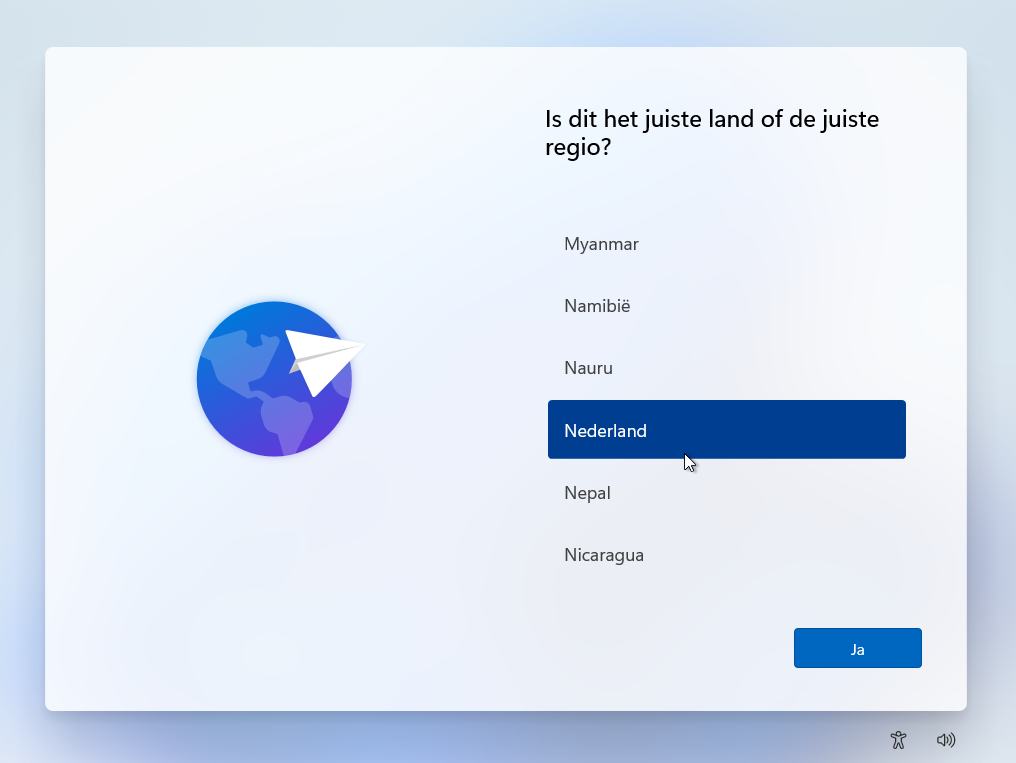
Then click ‘Yes’.
Choose your keyboard layout
As standard, we deliver our laptops with keyboards in the US International layout. That’s the most common standard in the Netherlands.
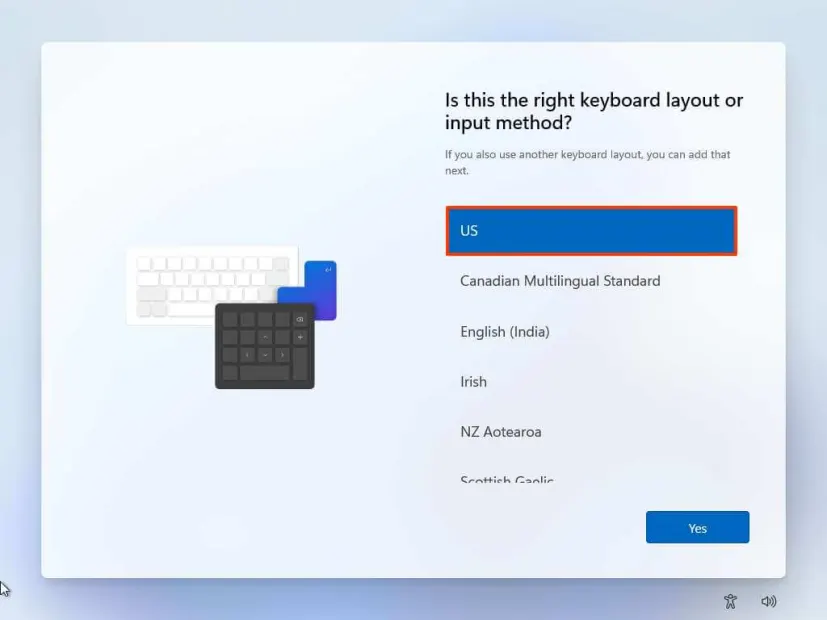
Look at the first six letters on the top row of letters on your keyboard.
QWERTY
Look at the key to the left of the Z.
< > = Dutch keyboard
\ | = English keyboard
Shift = US International keyboard
AZERTY
French keyboard
QWERTZ
German keyboard
Sometimes we have laptops that originally shipped with a German or French keyboard. In that case we replace the keyboard or have it reprinted with the correct layout. That way — unlike stickers, for example — you keep a nice typing feel, better wear resistance and
Did you accidentally receive the wrong layout after all? You may return a laptop to us within 30 days without giving any reason – so you can be sure you end up with a device that really is comfortable to type on.