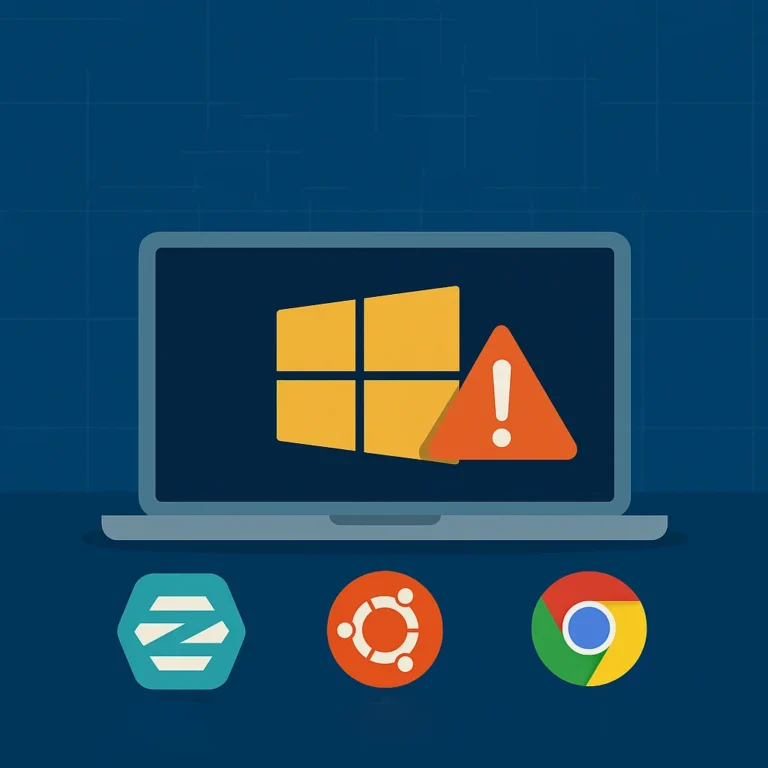

Since Microsoft introduced Windows 11, many laptop owners have run into the same problem: their device doesn’t meet the requirements. Often it’s about the TPM chip. Where Windows 11 requires TPM 2.0, many older laptops only have TPM 1.2.
But what if your laptop otherwise still works fine? Do you really have to replace it? There are actually three options.
Option 1 – Upgrade anyway via a workaround (medium hassle)
There are all sorts of “tricks” online that let you install Windows 11 on a laptop with TPM 1.2 anyway. In practice this means running a system your hardware isn’t really suited for.
- You miss security features that Windows 11 assumes.
- Updates can be unstable or even no longer supported at all.
- Over time you run greater risks of hacks and data breaches.
Advice: don’t do this. It’s a false solution that doesn’t make your laptop any safer.
Option 2 – Stay on Windows 10 (delay the hassle)
Windows 10 is supported until October 2025. After that, you can buy extra time with an Extended Security Updates subscription (ESU): for up to three years you pay to keep receiving security updates.
- Advantage: you can keep working the way you’re used to.
- Disadvantage: you only postpone the problem and pay for it every year.
- Eventually, replacement or switching is inevitable.
For businesses this can be handy temporarily; for private users usually not.
Option 3 – Switch to ZorinOS (lots of hassle)
A third option is to choose an alternative operating system: ZorinOS, a user-friendly Linux variant made specifically to give Windows users a soft landing.
Why this is a sustainable and safe choice:
- No TPM 2.0 needed: ZorinOS runs safely on laptops with TPM 1.2.
- Security built in: Linux has a different security model that gives viruses and malware little chance.
- Free updates: you get years of support at no extra cost.
- Versatile: ideal for internet, study and office work, but also for hobbies, programming and experimenting with old laptops.
That way you give your laptop a second life instead of writing it off early.
Possibly interesting for hobbyists and programmers
For techies, tinkerers and developers, an old laptop with ZorinOS is actually worth its weight in gold. Linux is the standard in the world of servers, programming and IT. On a cheap refurbished laptop you can:
- Experiment with programming languages like Python, Java or C++.
- Set up your own small web server, NAS or media server.
- Safely develop scripts and tools without risk to your work machine.
- Build a sandbox for ethical hacking or cybersecurity training.
Because Linux has lighter system requirements, these projects run smoothly on hardware Microsoft has already “rejected”.
Conclusion
Can’t upgrade to Windows 11? Then you have three choices:
- Upgrade illegally via a workaround (not safe, not smart, medium hassle with the risk of a great deal of hassle).
- Stretch Windows 10 a while longer with a paid subscription (a temporary fix, moderate hassle now, lots of hassle anyway in 3 years).
- Switch to ZorinOS (safe, sustainable and future-proof, but lots of hassle).
At TopLaptop we show that older laptops can still keep up nicely with ZorinOS. A good alternative for anyone who doesn’t want to buy a new laptop every few years, and a great chance for hobbyists and programmers to get started with Linux affordably. And do you want Windows 11 after all? We’re guaranteed to have suitable devices for that. Without the hassle.